
Two files. One clear view.
A Mac app that compares text files side by side, and lets you copy changes between them.
macOS 14.6 or later, on a Mac with Apple silicon
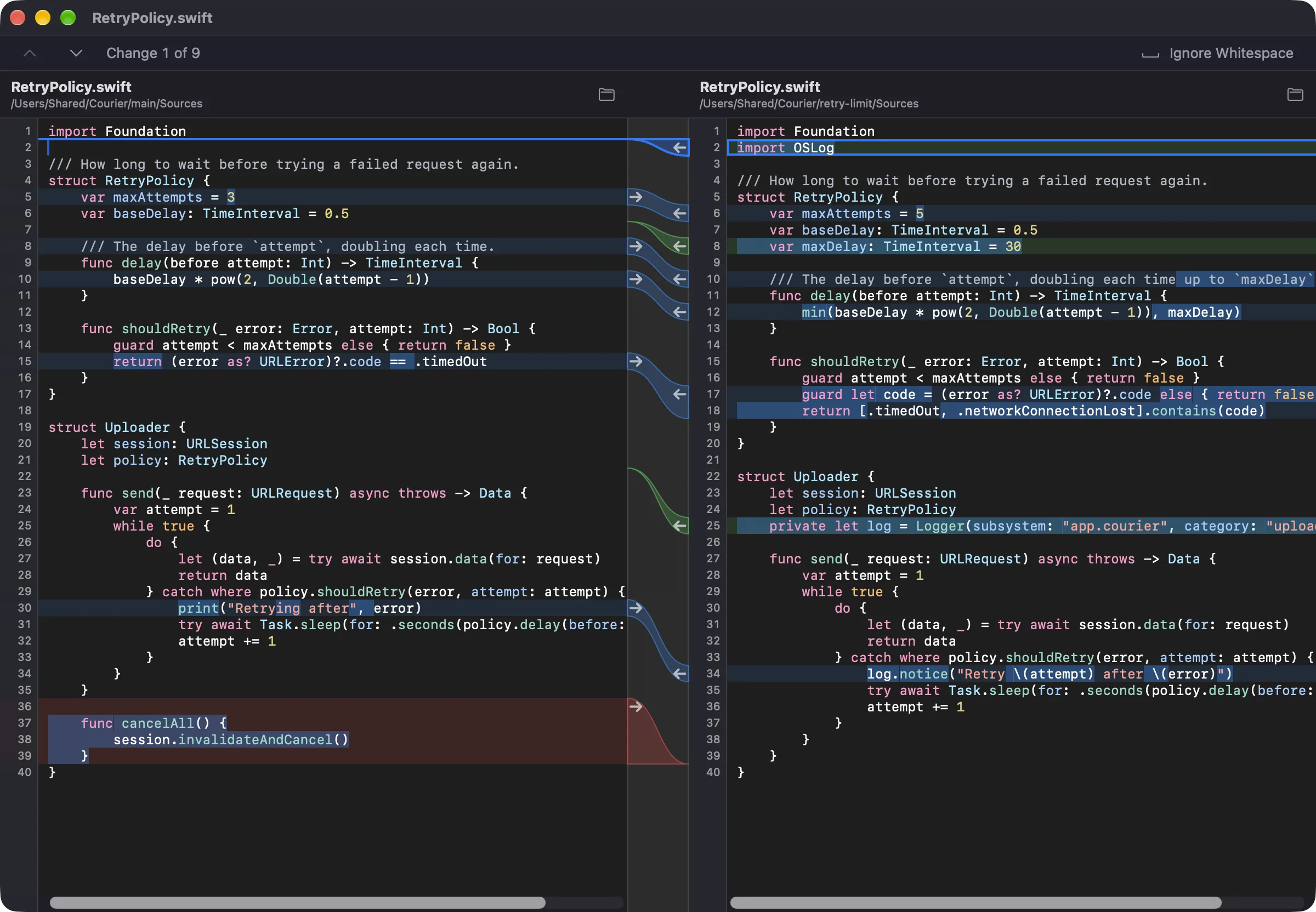
Light or dark, whatever you're working on.
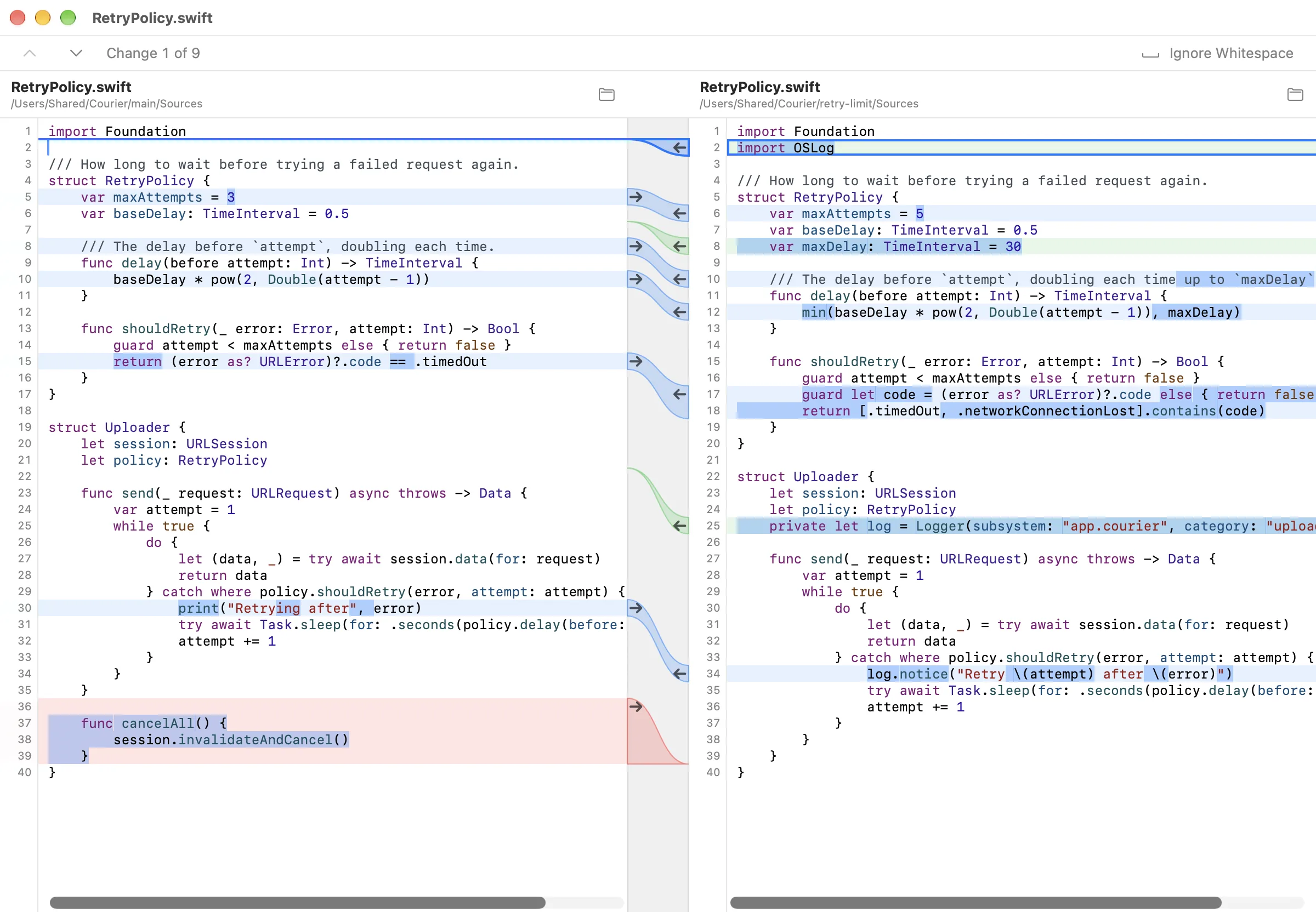


Copy a change with one arrow.
Every change has an arrow. Click it, or press ⌥⌘→ or ⌥⌘←, and that side matches. Undo puts it back.

See exactly what changed.
Changed lines are tinted, and within them the exact characters that changed stand out, so a one-letter fix can't hide.

Made for one careful look.
Side by side
Both files scroll together, and a band joins each change to its place on the other side.
Drop in two files
Drop a file on each side or choose them, and switch either one whenever you like.
Edit in place
Type in either pane and the comparison keeps up. Undo, Find and Save work as they should.
Find what matters
Search plain text, whole words or regular expressions, and ignore whitespace at the start and end of lines.
Long lines, big files
Minified files and lines of a megabyte stay smooth to scroll and to color.
Your files stay here
nmeld is a native Mac app, made with SwiftUI. It reads your files on your Mac and sends them nowhere.